Share your creations
Sims 4 Gallery is a patch developed by Electronic Arts that brings you cool and exciting updates. The new feature allows you to view and use the creations of other Sims 4 players. You can also share some of your own if your own creative works.
Top Recommended Alternative
The Gallery
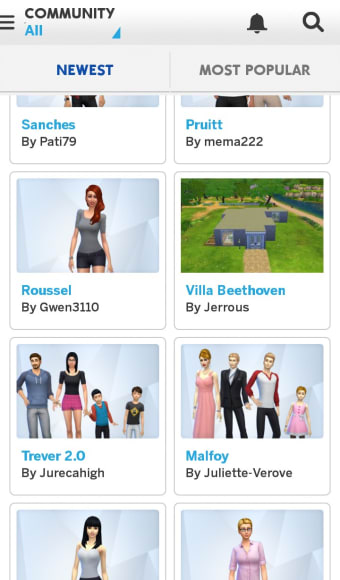
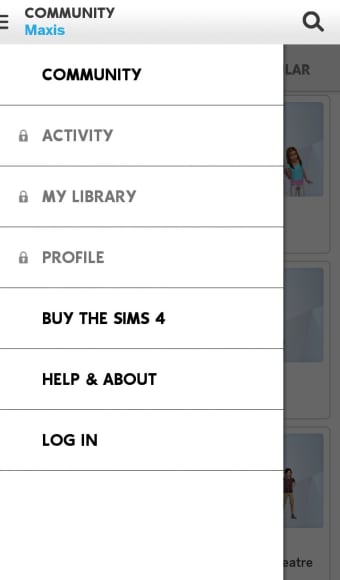
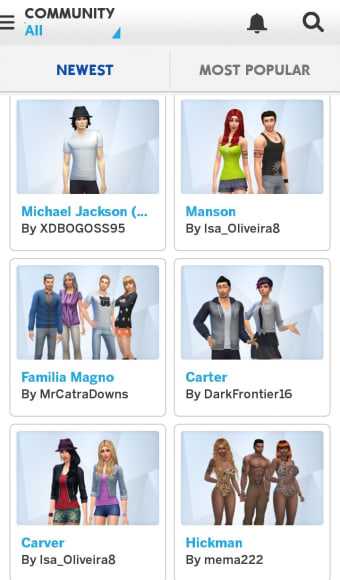
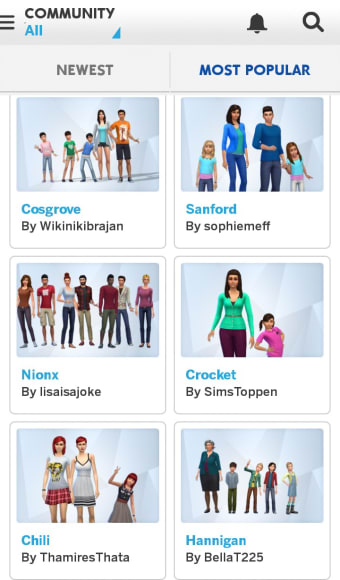
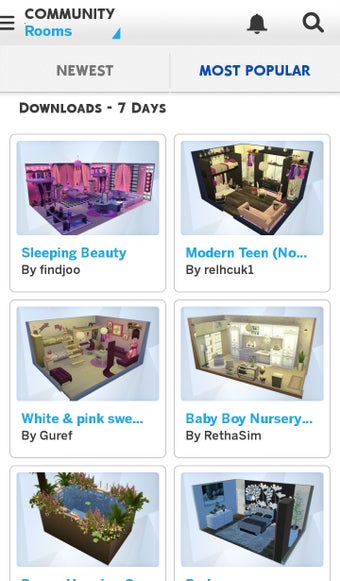
Sims 4 Gallery leaves you with more space for creativity. It has a Community where you will find many downloadable creations of your fellow Sims players. From houses to rooms to actual avatars, you will all find them in the Community Tab. One of the things I really appreciate in this update is that navigating the Gallery is made very easy. You can view the creations according to their category, popularity, and customization. If you still have no luck finding what you are looking for, you can also click on the hashtags. It will filter and narrow down your search results.
The main categories are Household, Lots, and Rooms. If you are looking for new Sims to play, you should checkout Household. It has every Sim design you are looking for, including popular celebrities! There are also characters and casts from television shows like The Walking Dead.
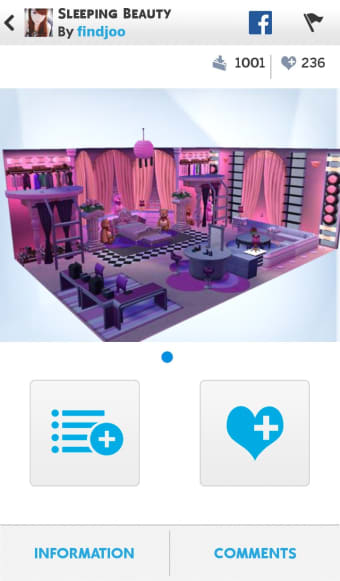
In the Lots category, you will find different houses to download. If you are having second thoughts about getting a new house in fear of losing your stuff in your old house, I can confidently assure you that they will not go anywhere. Once you have replaced your previous home, all your stuff will be saved in your inventory.
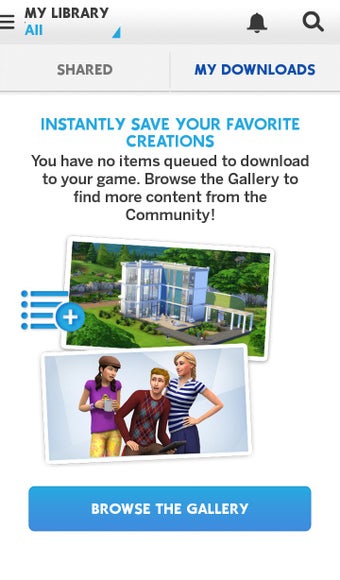
You can also share some of your own works if you want to. Aside from the Community Tab, there is another one called My Library where all your own works are saved. From there you can choose to share what you made with others in the Community. When you do, do not forget to include the necessary information and hashtags so that it will be easy to find your works!
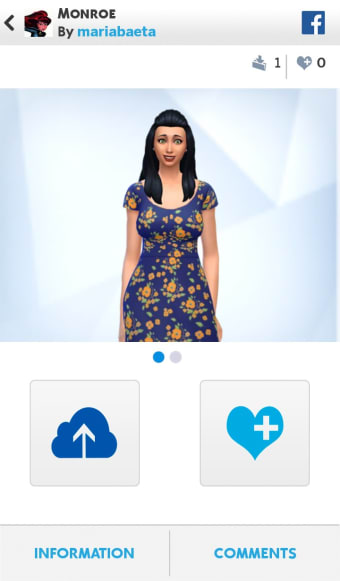
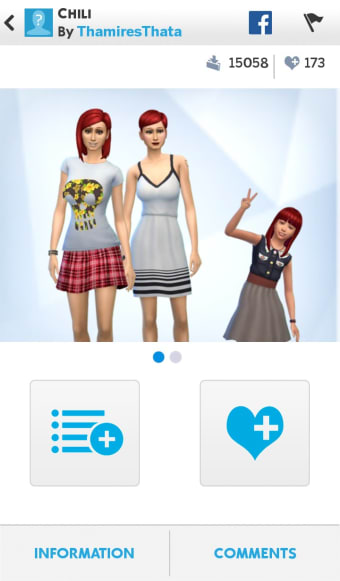
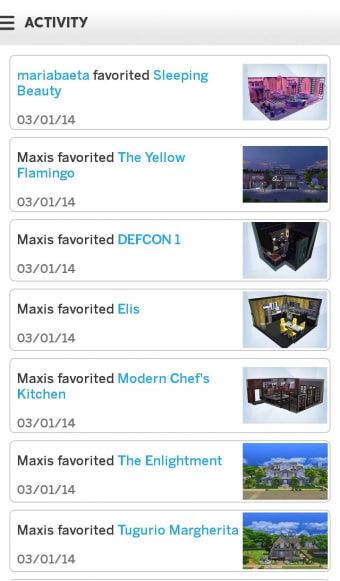
My Library also houses the creations you have downloaded from the Community. The creations are also sorted accordingly so it would not be difficult for you to spot what you want to use. Just a tip: if you happen to download a Sim package, you can always delete some of the Sims included in there if you do not want them. Also, when something catches your eye, do not hesitate to click on the Favorite button to show support for the creator. It is similar to the Like button on social media. The more likes a creation acquires, the more will it gain popularity. Now, if you really fell in love with the creators’ other works, you can choose to follow them so that every time they come up with a new creation, you will immediately be notified.
Create and enjoy
Sims 4 Gallery offers a better playing experience. Being able to share works between fellow Sims players can actually be motivating for you to play the game more. The Gallery is also a great way to gather inspiration for creating your own works.